
📌 Introduction
Flutter is known for its beautiful UI and smooth performance. But surprisingly, many Flutter apps become slow as they grow larger.
- 😵 Laggy scrolling
- 📱 High memory usage
- 🐢 Slow API loading
- 📉 FPS drops
⚡ The Illusion of Performance
Small apps usually feel fast because they contain:
- Few screens
- Minimal API calls
- Simple widget trees
But once applications become larger, performance issues start appearing.
🧠 What Makes Flutter Apps Slow?
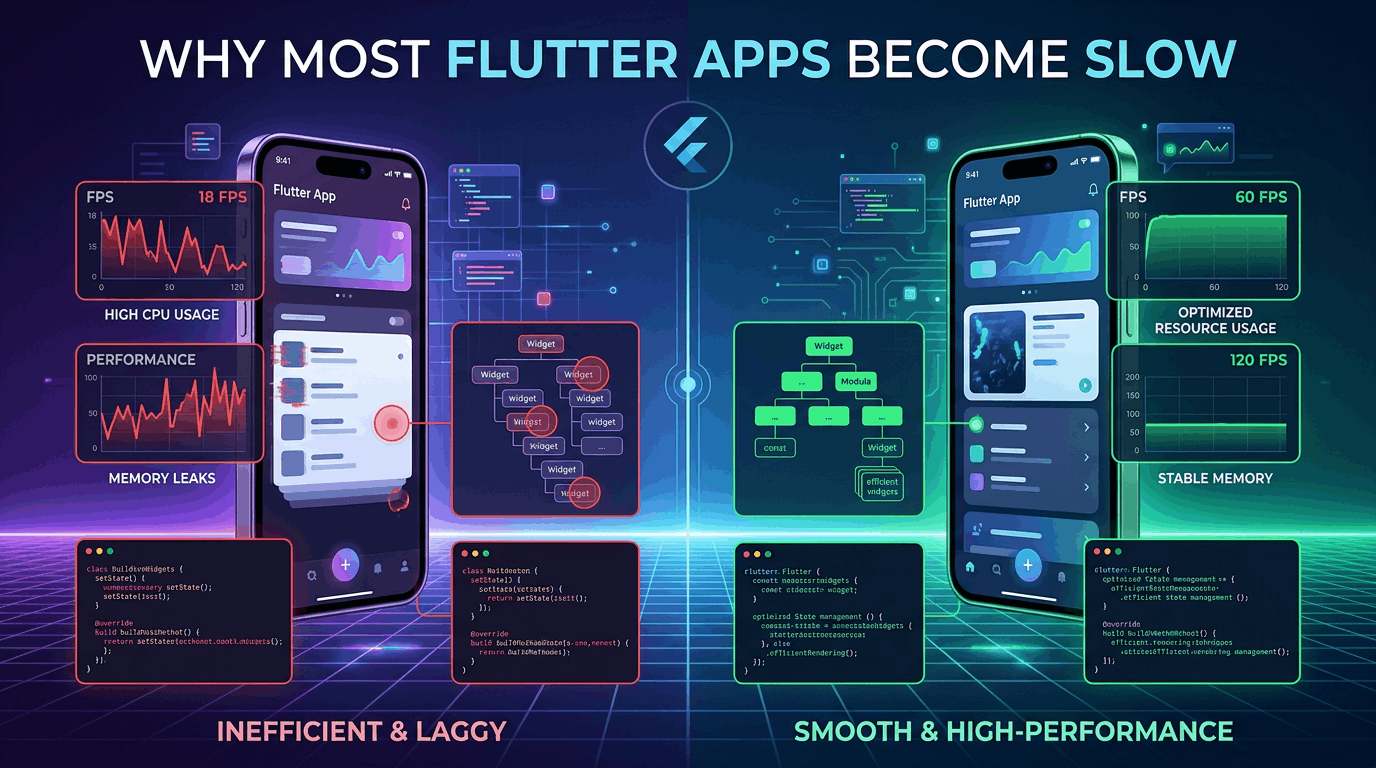
❌ Unnecessary Widget Rebuilds
One of the most common mistakes is rebuilding entire screens for very small UI updates.
setState(() {
   // Entire screen rebuilds
});
This causes unnecessary rendering and FPS drops.
❌ Heavy Logic Inside UI
Many developers place:
- API calls
- Data processing
- Complex calculations
directly inside widgets, making the UI layer overloaded.
❌ Poor State Management
Bad state management leads to:
- Too many rebuilds
- Memory leaks
- Hard-to-debug code
❌ Large Widget Trees
Deeply nested widgets increase rendering complexity.
Container(
  child: Padding(
    child: Column(
      child: Row(
Excessive nesting affects both readability and performance.
❌ Unoptimized API Calls
- No pagination
- No caching
- Repeated API calls
- Loading everything at once
These mistakes heavily impact responsiveness.
🚀 How Senior Developers Optimize Flutter Apps
✅ Proper Architecture
Senior developers use:
- Clean Architecture
- Modular folder structure
- Separation of concerns
✅ Efficient State Management
Instead of rebuilding entire pages, only required widgets update.
✅ Pagination & Lazy Loading
Rather than loading thousands of items at once, production apps load data gradually.
✅ Widget Optimization
Senior developers optimize rendering using:
- const widgets
- Widget separation
- Repaint boundaries
✅ Caching Strategies
Production apps cache:
- Images
- API responses
- User data
This reduces network usage and improves loading speed.
🏗️ Real-World Example
Imagine building a large e-commerce application with:
- Live product feed
- Search system
- Cart updates
- Payment integration
Without optimization:
- ❌ App freezes
- ❌ Laggy scrolling
- ❌ High battery usage
With proper engineering:
- ✅ Smooth UI
- ✅ Faster loading
- ✅ Better scalability
📊 Performance vs Beautiful UI
Many beginner developers focus only on animations and visuals.
Users care more about:
- Fast loading
- Smooth scrolling
- Reliable experience
⚠️ Common Performance Mistakes
- ❌ Overusing setState()
- ❌ Huge widget trees
- ❌ API calls inside build()
- ❌ No pagination
- ❌ Poor architecture
🎯 Best Practices
- ✅ Use scalable state management
- ✅ Separate business logic
- ✅ Optimize rebuilds
- ✅ Cache data properly
- ✅ Profile performance regularly
🎉 Conclusion
Building a Flutter app is easy. Building a fast, scalable, production-level app is where real engineering begins.